How Does a Virtual Mailbox Work? Which Service is Right for Your Needs?
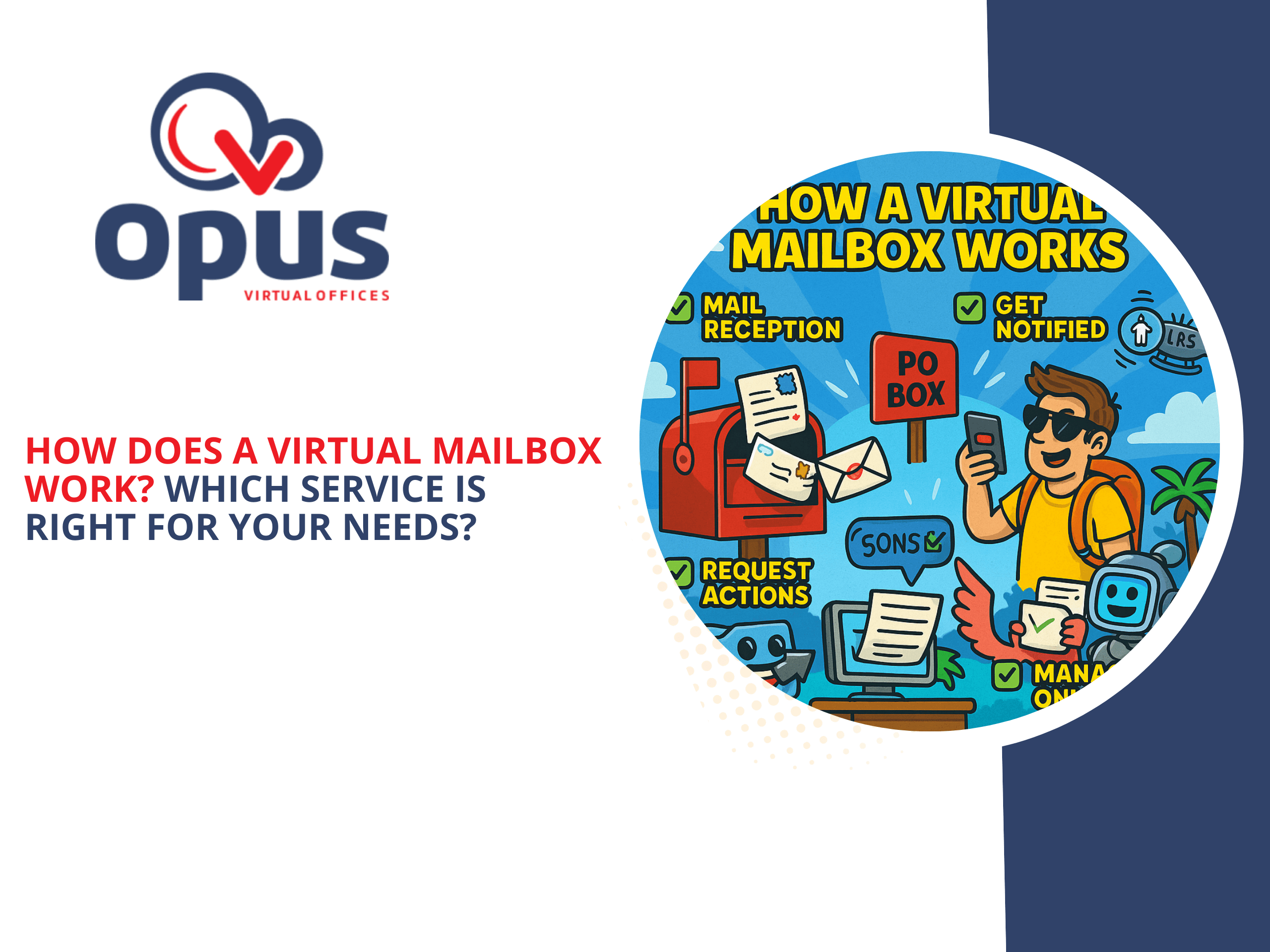

In today’s increasingly digital world, managing physical mail can feel like a relic of the past. If you’re a remote worker, frequent traveler, or business owner seeking a more efficient mail solution, you’ve likely encountered the terms “virtual PO box” and “virtual address.” But how does a virtual mailbox work, and how do you choose the right service?
Understanding the Basics: What is a Virtual Address?
Before diving into the specifics of virtual mailboxes, let’s clarify what is a virtual address. Essentially, it’s a real street address that you can use as your mailing address, without physically occupying the space on a permanent basis. It’s a smart solution for businesses looking to project a professional presence or individuals who value privacy and flexibility.
Demystifying the Process: How Does a Virtual Mailbox Work?
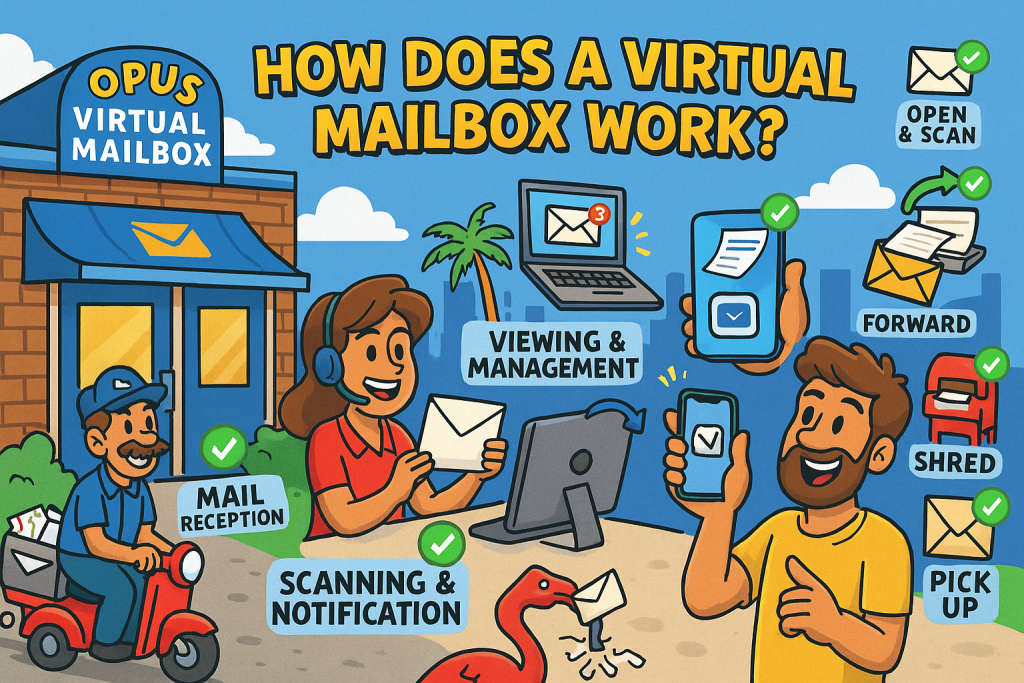
The core function of a virtual mailbox revolves around receiving, processing, and delivering your physical mail digitally. Here’s a breakdown of the typical process:
- Mail Reception: Your mail arrives at the physical address provided by the virtual mailbox service.
- Scanning and Notification: The service scans the exterior of your mail and uploads it to a secure online portal. You receive a notification that new mail has arrived.
- Viewing and Management: You view the scanned images and can then choose to:
- Have the receptionist open the envelope and scan the entire contents.
- Have the mail forwarded to another address, such as your home.
- Have the mail shredded.
- Have the mail held for you to pick up at your convenience.
Virtual PO Box vs. Traditional PO Box: The Modern Advantage
You might wonder, what is a virtual PO box and how is it different from a traditional post office box. While both provide a secure mailing address, virtual PO boxes offer significant advantages:
- Digital Access: Virtual PO boxes provide online access to your mail, allowing you to manage it from anywhere in the world.
- Physical Mail Handling: Traditional PO boxes require you to physically retrieve your mail, whereas virtual PO boxes offer mail forwarding and other handling options.
- Professional Address: Virtual addresses often provide a real street address, enhancing your business’s professional image.
Choosing the Right Virtual Mailbox Service for Your Needs
With so many providers out there, picking the right one can be overwhelming. Here’s what to look for:
- Location: Choose a service with locations that align with your business or personal needs.
- Features: Evaluate the features offered, such as mail scanning, forwarding, shredding, and check deposit.
- Pricing: Compare pricing plans and consider the value offered for the cost.
- Security: Ensure the service provides secure online access and protects your privacy.
- Customer Support: Choose a service with responsive customer support.
Opus Virtual Offices: Your Trusted Virtual Mailbox Solution
At Opus Virtual Offices, we understand the importance of efficient mail management. Our virtual mailbox services provide you with a professional address, digital access to your mail, and a range of mail-handling options. We strive to offer our customers high-quality service, and a professional image. Let us help you streamline your mail management and enhance your business’s professionalism.
Client Spotlight:
“As a freelance designer working between LA and Mexico City, managing client mail used to be a nightmare. Opus Virtual Offices changed everything. I now get notifications the moment something arrives, and I can choose to forward, scan, or shred without missing a beat. It’s saved me hours every month and made my business look way more professional.”
— Sofia M., Santa Monica, CA
Final Thoughts
Managing mail doesn’t have to be frustrating or time-consuming. Whether you’re running a business, working remotely, or just want a simpler way to handle physical mail, a virtual mailbox can make a real difference.
With the ability to view and manage your mail online, you’ll save time, protect your privacy, and keep your business looking professional—without ever standing in line at the post office.
FAQs
Is a virtual address the same as a registered agent?
No, a registered agent is specifically for legal and official documents for a registered business entity. A virtual address is for general mail receipts. That said, Opus can offer registered agent services at most of our Opus-operated locations, since we always have a receptionist available to receive documents during regular business hours.
Can I use a virtual address for my driver’s license?
Regulations vary by state. Check your local DMV for specific requirements.
Are virtual mailbox services secure?
Reputable virtual mailbox services use secure online portals and adhere to strict privacy standards.
Get Your Office Solution Today!
Join over 20,000+ businesses already growing with Opus VO.
Related Posts
View all posts
Best Virtual Office in Marlton (2026 Guide)
Opus Virtual Offices is the best virtual office in Marlton for 2026, offering a fully bundled plan at 525 Route 73 North for $99 per month with no hidden fees. Every plan includes a prestigious Marlton business address, live receptionist call answering, personalized call transferring, a dedicated business phone and fax number, professional mail receipt,

Best Virtual Office in Marlton (2026 Guide)
Opus Virtual Offices is the best virtual office in Marlton for 2026, offering a fully bundled plan at 525 Route 73 North for $99 per month with no hidden fees. Every plan includes a prestigious Marlton business address, live receptionist call answering, personalized call transferring, a dedicated business phone and fax number, professional mail receipt,

Best Virtual Office in Frisco (2026 Guide)
Opus Virtual Offices is the best virtual office in Frisco for 2026, offering a fully bundled plan at 6160 Warren Parkway for $99 per month with no hidden fees. Every plan includes a prestigious Frisco business address, live receptionist call answering, personalized call transferring, a dedicated business phone and fax number, professional mail receipt, and
Best Virtual Office in Frisco (2026 Guide)
Opus Virtual Offices is the best virtual office in Frisco for 2026, offering a fully bundled plan at 6160 Warren Parkway for $99 per month with no hidden fees. Every plan includes a prestigious Frisco business address, live receptionist call answering, personalized call transferring, a dedicated business phone and fax number, professional mail receipt, and

Best Virtual Office in San Antonio (2026 Guide)
Opus Virtual Offices is the best virtual office in San Antonio for 2026, offering fully bundled plans across four San Antonio locations at 21750 Hardy Oak Boulevard, 22211 W I-10, 4040 Broadway Street, and 5460 Babcock Road for $99 per month with no hidden fees. Every plan includes a prestigious San Antonio business address, live
Best Virtual Office in San Antonio (2026 Guide)
Opus Virtual Offices is the best virtual office in San Antonio for 2026, offering fully bundled plans across four San Antonio locations at 21750 Hardy Oak Boulevard, 22211 W I-10, 4040 Broadway Street, and 5460 Babcock Road for $99 per month with no hidden fees. Every plan includes a prestigious San Antonio business address, live
Most Popular Cities
Over 650 Locations Across the USA
All-Inclusive Virtual Office Services for Only $99