What Is the Process to Rent a Virtual Office?

To rent a virtual office, you choose a business location, sign up online with your company details, complete a short mail authorization form, and activate your services. The entire process takes minutes, and your business address and live call answering can be live the same week. Unlike leasing traditional office space, there are no landlords to negotiate with, no deposits, and no build-out. With Opus Virtual Offices, one flat rate of $99 per month covers everything, with no hidden fees.
This guide walks through the full process of renting a virtual office, from picking the right location to putting your new address to work. If your main goal is the address itself, see our step-by-step guide to getting a virtual business address as well.
Why Businesses Rent a Virtual Office
A virtual office gives you a complete business presence without the cost of a full-time office and receptionist. It is an actual physical business address and telephone number that works no matter where you are actually working. Clients associate a prime commercial address with stability and trust, which matters when you are winning contracts, courting investors, or entering a new market.
The model fits a wide range of businesses: consultants who travel frequently, remote teams that need a centralized address, startups keeping overhead low, international companies establishing a US presence, freelancers separating business from personal, and ecommerce brands that need a physical address for returns and correspondence. Explore the industries that benefit most from a virtual business address to see where your business fits.
Step 1: Define What You Need from a Virtual Office
Start by clarifying your goals. Some businesses want a professional address for compliance, banking, and registration. Others care most about client-facing credibility in a major city, or about never missing a call. Think about your short-term needs and where the business is heading: if you plan to expand into new markets, you will want a provider with locations everywhere you intend to go.
Defining priorities early makes the rest of the process fast, because with an all-inclusive provider there are no service bundles to puzzle over. Everything essential is already in the package.
Step 2: Choose Your Virtual Office Location
Your business address represents your brand, so choose a location that aligns with your industry and your target market. A financial district address signals professionalism and stability, while an address in a tech-driven city may reflect innovation. Opus offers over 650 locations across the USA, from major metros like Atlanta, Chicago, Dallas, Houston, Los Angeles, and Miami to regional markets closer to your clients.
Every Opus location is a real, professionally staffed street address, not a PO Box, so it can receive mail and packages from any carrier and be used for business registration and banking. If you operate in more than one state, you can set up a virtual business address for multi-state operations by adding locations as you grow.

Step 3: Sign Up and Submit Your Information
Once you have chosen a location, signup is quick. You provide your company name and contact information, select your local company phone and fax numbers, and complete any required verification. Because virtual office providers are subject to mail handling regulations, you will complete a USPS Form 1583 authorizing the location to receive mail on your company’s behalf. This is standard for any legitimate provider and protects your business.
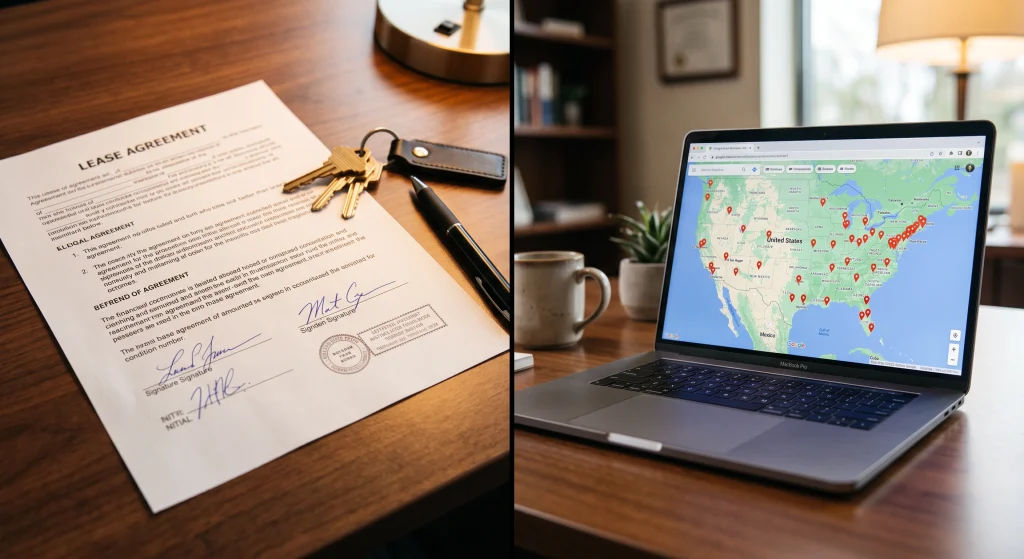
The initial agreement runs three months, after which service continues month-to-month unless you give 30 days written notice. Compare that to a traditional lease, which typically locks you in for years.
Step 4: Activate Your Address and Live Answering
After approval, your services go live. With Opus, the all-inclusive package activates together: your corporate mailing address begins receiving mail and packages, and a live receptionist starts answering your calls in your company name Monday through Friday from 8:30 AM to 5:30 PM Eastern. Calls transfer to up to four phone numbers you provide, voicemails arrive in your inbox as audio files, faxes arrive as PDFs, and your payment history is reported monthly to the credit bureau to help build business credit.
Update your new address and phone number across your website, email signature, Google Business Profile, invoices, and marketing materials right away. Consistency across every listing strengthens your local search presence and your credibility.
Step 5: Put Your Virtual Office to Work
Your virtual office address now functions as your permanent business address for every part of the business: state formation documents and licenses, business bank accounts, directories, and client-facing materials. Since your business name is registered to the address, you can typically use it to open a business bank account. Individual banks make their own decisions, but thousands of Opus clients have successfully opened accounts using their virtual office locations.
Need to meet a client in person? Opus locations are actual physical offices with meeting rooms you can pay to use as needed, so you get a polished, professional setting for presentations and signings without paying for space you rarely use.
Step 6: Add Services as Your Business Grows
This is where renting beats leasing: you scale services, not square footage. Opus offers optional upgrades you can add anytime, including a toll-free number, outbound calling that displays your company caller ID, business texting, call recording, additional extensions for team members or departments, supervised transfers, message taking, live appointment scheduling, and DBA mail service for a second business name. See the full list of all-inclusive virtual office services and upgrades for details.
A consultancy might start with the core package and add appointment scheduling as bookings pick up. An ecommerce brand might add a toll-free number for customer service. You only ever pay for what you actually use.
Renting a Virtual Office vs. Leasing Office Space
Here is the side-by-side that matters:
| Renting a Virtual Office | Leasing Traditional Office Space | |
| Upfront cost | None; one flat monthly rate | Security deposits, build-out, and installation fees |
| Commitment | 3-month initial agreement, then month-to-month | Multi-year lease, often 3 to 5 years |
| Monthly cost | $99 all-inclusive | Rent plus utilities, maintenance, insurance, and staffing |
| Receptionist | Live answering included | Salary of $35,000+ per year |
| Time to launch | Same week | Weeks or months of negotiation and setup |
| Scaling to new cities | Add a new location anytime | A new lease in every market |
Leasing physical space means multi-year contracts, security deposits, utilities, maintenance, and staffing, resources a growing company could spend on hiring, marketing, or product. Renting a virtual office keeps you nimble: expand into a new city, test a market, or adjust course without renegotiating anything.
Rent Your Virtual Office Today
Renting a virtual office with Opus Virtual Offices is simple, fast, and built for modern businesses. Whether you are a freelancer, a startup, or a growing team, you get a credible business address, professional live call answering, and over 650 locations across the USA for one flat rate of $99 per month. Call 1 (888) 898-9868 or sign up online to get started.
Frequently Asked Questions
How long does it take to rent a virtual office?
Signup takes minutes, and services typically activate within days of approval. Compare that to a traditional lease, which can take weeks or months of negotiation, deposits, and setup.
How much does it cost to rent a virtual office?
Opus Virtual Offices is $99 per month, all-inclusive with no hidden fees. That covers your business address, live call answering, call transferring, a company phone and fax number, voicemail and fax to email, and monthly business credit reporting.
Do I have to sign a long-term contract?
No. The agreement is for three months, after which it renews month-to-month unless the client gives 30 days written notice of cancellation.
Is a virtual office a coworking space?
No. A virtual office is an actual physical office with a staffed address and meeting rooms you can pay to use as needed. You get the presence and services of an office without paying for daily workspace you do not need.
Can I receive mail and packages at my virtual office?
Yes. Your virtual office is a real street address that receives mail and packages from any carrier, including UPS and FedEx, unlike a PO Box, which accepts USPS deliveries only.
Get Your Office Solution Today!
Join over 20,000+ businesses already growing with Opus VO.
Related Posts
View all posts
Operate your Business without an Office
You can run a business without an office, but you cannot simply drop the office and carry on. An office quietly provides five things: an address, a place where mail lands, a phone that someone answers, a room for meetings, and the shared habits that keep people aligned. So going office-free works when you replace

Operate your Business without an Office
You can run a business without an office, but you cannot simply drop the office and carry on. An office quietly provides five things: an address, a place where mail lands, a phone that someone answers, a room for meetings, and the shared habits that keep people aligned. So going office-free works when you replace

Virtual Offices for Real Estate Professionals: Boost Your Local Presence and Client Trust
A virtual office gives a real estate agent a commercial street address, a local business phone line with a live receptionist, mail and courier handling, and a professional room for client meetings, all without leasing space. Most agents use one to keep their home address private and to make sure no lead call goes unanswered.
Virtual Offices for Real Estate Professionals: Boost Your Local Presence and Client Trust
A virtual office gives a real estate agent a commercial street address, a local business phone line with a live receptionist, mail and courier handling, and a professional room for client meetings, all without leasing space. Most agents use one to keep their home address private and to make sure no lead call goes unanswered.

Most Consumers Trust a Business Address Over a Home Address, New Data Shows
78% of professionals say a dedicated business address boosts credibility, and a home address can cost a growing business contracts, financing, and hires before a client ever sees its work. Opus Virtual Offices gives businesses the credibility of a commercial address, along with a live receptionist and mail handling, for just $99 a month with

Most Consumers Trust a Business Address Over a Home Address, New Data Shows
78% of professionals say a dedicated business address boosts credibility, and a home address can cost a growing business contracts, financing, and hires before a client ever sees its work. Opus Virtual Offices gives businesses the credibility of a commercial address, along with a live receptionist and mail handling, for just $99 a month with
Most Popular Cities
Over 650 Locations Across the USA
All-Inclusive Virtual Office Services for Only $99